No app · No sign-up · Free to start
Free Online PhotoboothAnytime, Anywhere2×6" strip
Snap classic 3-4 frame photo strips right in your browser. Filters, layouts and print-ready HD downloads — no app, no account. Captures and edits are processed locally; a photo uploads only when a guest saves it to an event gallery (beta).
- No app to install
- No sign-up needed
- Processed on your device
- Free, no watermark

Enable your camera to start shooting.
Tip: put the camera at eye level, step back an arm's length, and watch the screen to line yourself up.
100% browser-local processing
How it works: setup & shooting guide
Any camera works — phone, laptop, or a desktop with an external webcam. The essentials never change: camera at eye level, you an arm's length back, watching the screen as you line up.
Where to put your camera
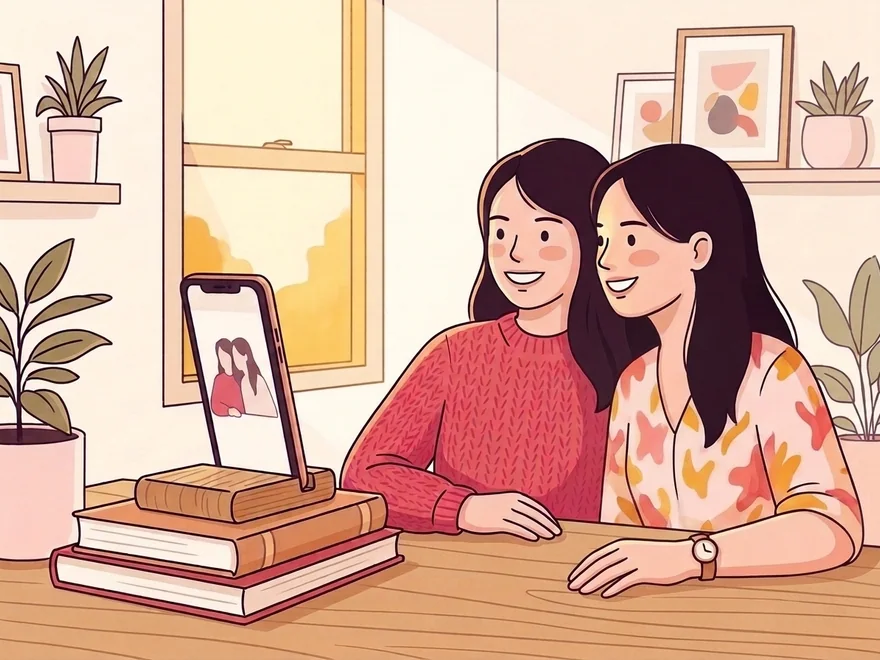
PhoneMost common
Hold it upright on the front camera. Prop it steady about an arm's length away (50–80 cm) and fix your angle on screen.
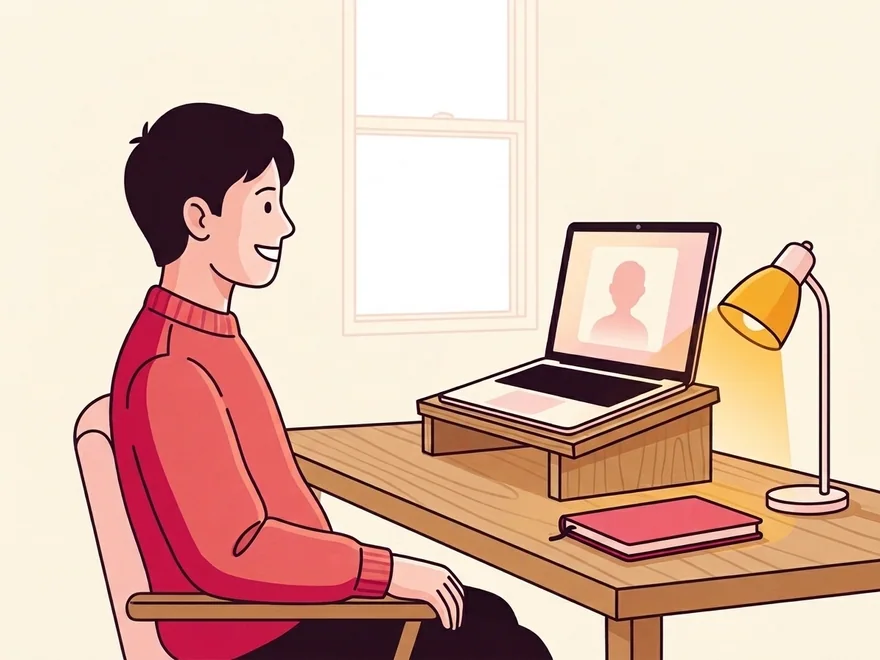
Laptop
The camera sits above the screen. Tilt it level with your eyes, step back an arm's length, and center yourself in the preview.
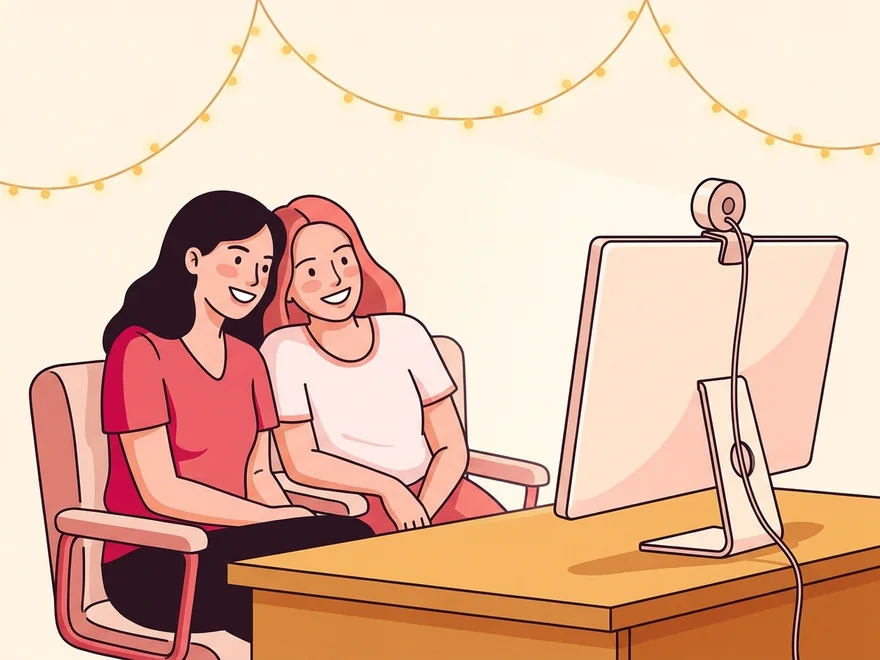
Desktop + external webcam
Put the external webcam centered on top of your monitor — or on a tripod at eye level — and step back an arm's length too.
Shooting in four steps
- Step 01
Enable camera & pick a layout
Allow camera access (or upload photos) and pick a 3-frame, 4-frame, or 2×2 strip.
- Step 02
Strike a pose
A 3-second countdown fires for every frame.
- Step 03
Customize
Borders, filters and a caption — all in the browser.
- Step 04
Download
Print-ready 2×6 inch strip at 300 DPI, no watermark.
Layouts & frames
Classic strips and square grids across wedding, K-pop 4-cut, Y2K, film, polaroid, and party frames.


What's new
- 2026-11Launched free online photobooth with 3-frame, 4-frame and 2×2 strips
- 2026-11Added Korean 4-cut and Y2K layouts
- 2026-11Print-ready 300 DPI exports
Frequently asked questions
Can I use it on my phone?
Yes. The booth runs in any modern mobile browser — no app needed.
Are my photos uploaded anywhere?
No. Captures and edits are processed locally in your browser. A photo goes to an event gallery only when a guest chooses to save it there.
Do I need to create an account?
No. Shoot and download without signing up. An account is only useful if you want to keep a strip library.
Can I print the strip?
Yes — downloads are 2×6 inches at 300 DPI, the standard photo booth print size.
Is it really free?
Yes. The core booth is free with no watermark. A paid plan removes ads and unlocks extras.
Can I shoot with just my laptop's built-in camera?
Yes. Tilt the screen so the camera is level with your eyes, step back about an arm's length, and center yourself in the preview.
Do I need an external webcam?
No. The camera built into your phone or laptop is enough. If you have one, set it on top of your monitor, centered at eye level.
Why do my photos come out dark?
Face your light. Turn toward a window or add a desk lamp from the front, and don't stand with a bright window behind you.
How far away should I stand?
About an arm's length — roughly 50–80 cm. Closer than that and the wide-angle lens starts stretching your face.
How long does one strip take?
Under a minute. Pick a layout, hit start, and each frame gets a 3-second countdown — three or four in a row.
Where do my photos go after I shoot?
The finished strip downloads on the spot as a 2×6 inch, 300 DPI PNG you can print as is.
Does the free version put a watermark on photos?
No. Free downloads are watermark-free 300 DPI PNGs — paying only removes ads and unlocks extras.
Can my friends and I shoot together from different places?
Not in one live frame yet. You can create an event and share the invite, so everyone shoots on their own device and chooses to save into the same event gallery (beta).
More free tools
Photo Booth Online
Shoot photo booth style strips right in your browser — free, no download, no sign-up.
Webcam Photo Booth
Turn your laptop webcam into a photo booth — countdown, filters and instant downloads, right here in the browser.
Digital Photo Booth
Set up a laptop or tablet for your gathering. Choose a frame, shoot a strip, and clear the photos for the next guest.
Virtual Photo Booth
Create an event, share the code or QR, and guests shoot on their own devices. Saving to the gallery is each guest's explicit choice; capture and editing stay local.
Photo Booth App for Hosts — and a Booth You Can Use Now
The host app for events is in development: not released yet, and no date is promised. The browser booth below is ready today — shoot a 3-4 frame strip on your phone, no install.
Photo Strip Maker
Upload your own photos and compose a classic photo booth strip — white borders, captions and a print-ready 600 × 1800 px file.
K-pop Photo Booth
Korean 4-cut, Y2K and hearts frames — shoot K-pop style strips right in your browser.
Photo Grid Maker
Arrange four or nine photos, adjust each crop, and export a square or portrait collage as PNG or JPG.
Thermal Receipt Photo Booth
Snap retro monochrome strips on off-white receipt paper with custom store captions and barcode styling — processed locally on your device.
Frame templates
Browse all printable 2x6 & 4-cut frame themes