How to use the photo booth

Any camera works: your phone, a laptop, or any computer with an external webcam. Put the camera at a good angle, step back an arm's length, and watch the screen as you shoot — just like a real photo booth.

Where to put your camera

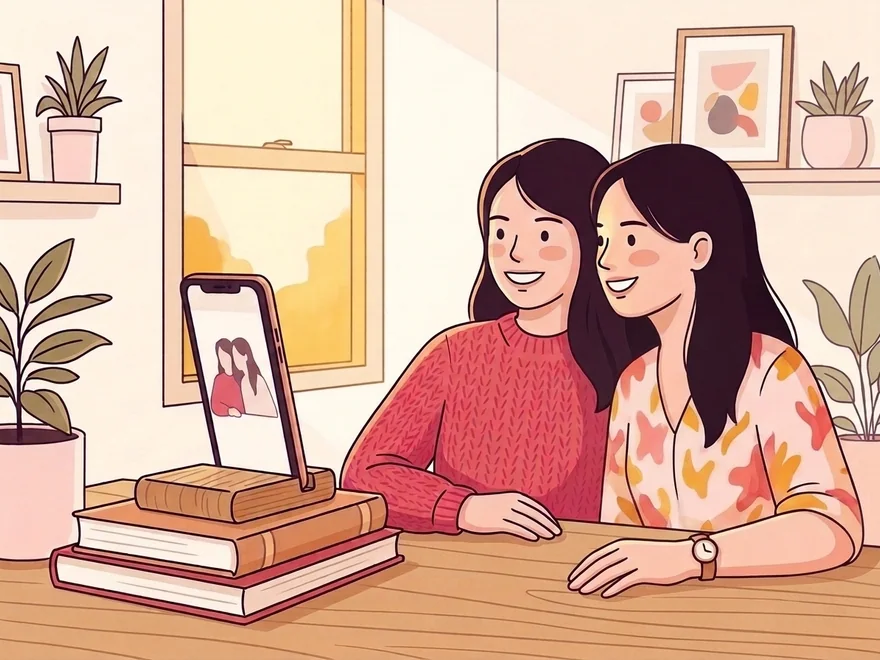
Two friends posing an arm's length away from a smartphone propped upright at eye level in soft front window light.

PhoneMost common

Hold the phone upright and use the front camera. Prop it on something steady about an arm's length away (50–80 cm), or have someone hold it for you. Watch yourself on the screen to fix your angle — the same way you'd stare at the screen in a real booth.
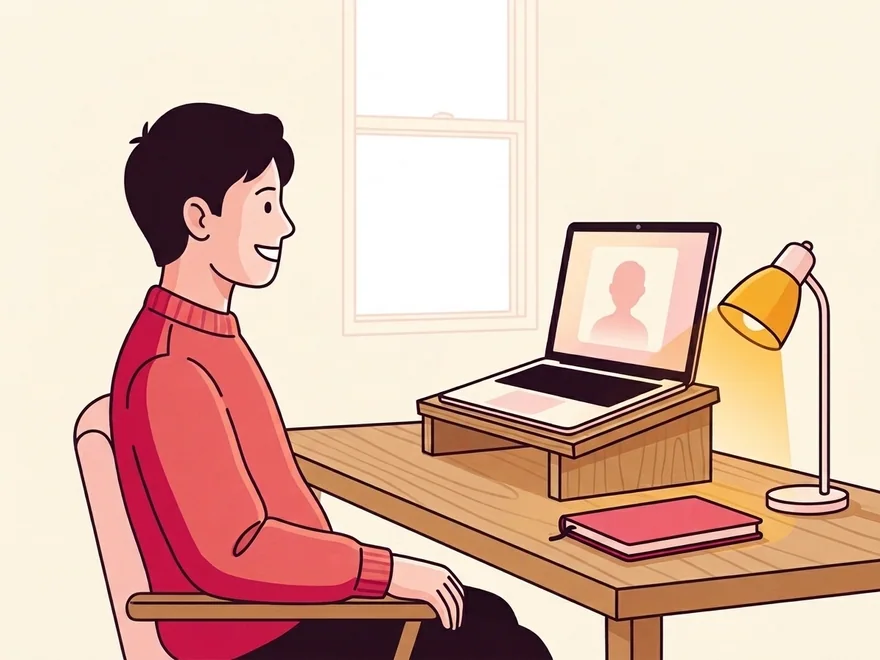
Smiling person sitting an arm's length back from an open laptop tilted so its top camera matches eye level in warm front lighting.

Laptop

The built-in camera sits above the screen. Tilt the screen so the camera is level with your eyes, step back about an arm's length, and center yourself in the preview. Face your light — don't stand with a window behind you.

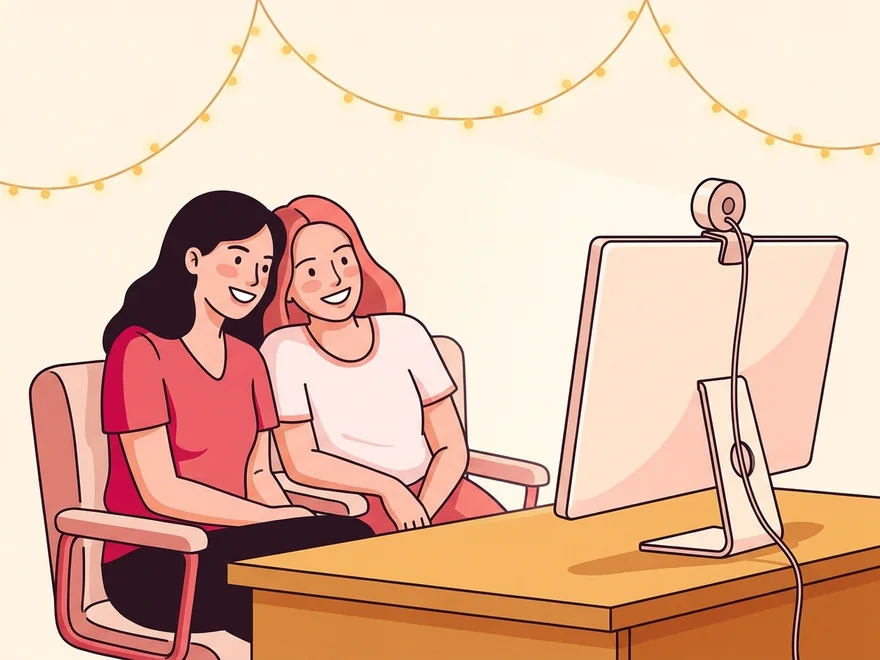
Two friends posing an arm's length from a desktop monitor with an external USB webcam centered on the top bezel.

Desktop + external webcam

Put the USB webcam centered on top of your monitor, or set it on a tripod at eye level. Step back about an arm's length too, and fine-tune your position in the on-screen preview.

Shooting in four steps

  1. Step 01

    Click “Enable camera”

    Allow the browser to use your camera. The feed is processed locally on your device, and you can stop it or revoke the permission at any time.

  2. Step 02

    Frame yourself

    Watch the preview and stay centered. Head to chest in frame works best — each slot of a four-cut strip is narrow, so leave a little room above your head.

  3. Step 03

    Shoot

    Every frame gets a 3-second countdown. Hold your pose still the moment it hits zero, and the booth fires 3–4 frames in a row.

  4. Step 04

    Get your strip

    Add a frame, filter and caption right there, then download the PNG or print it as a 4×6 sheet.

Photos not turning out? Check these two things

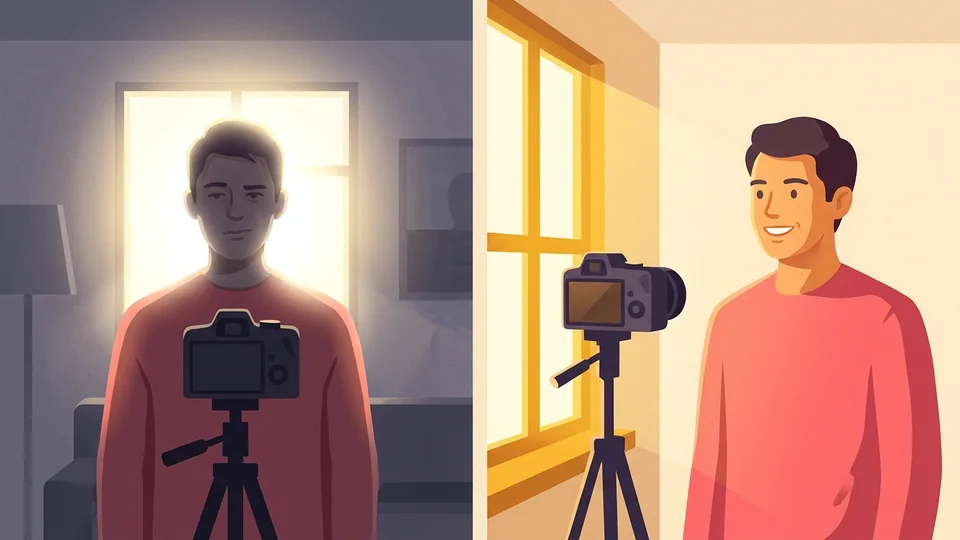
Side-by-side lighting comparison: backlit dark shadow with a bright window behind on the left versus facing warm front window light on the right.
Avoid
Better

Too dark

Face your light. Turn toward a window or add a desk lamp from the front, and don't stand with a bright window behind you.

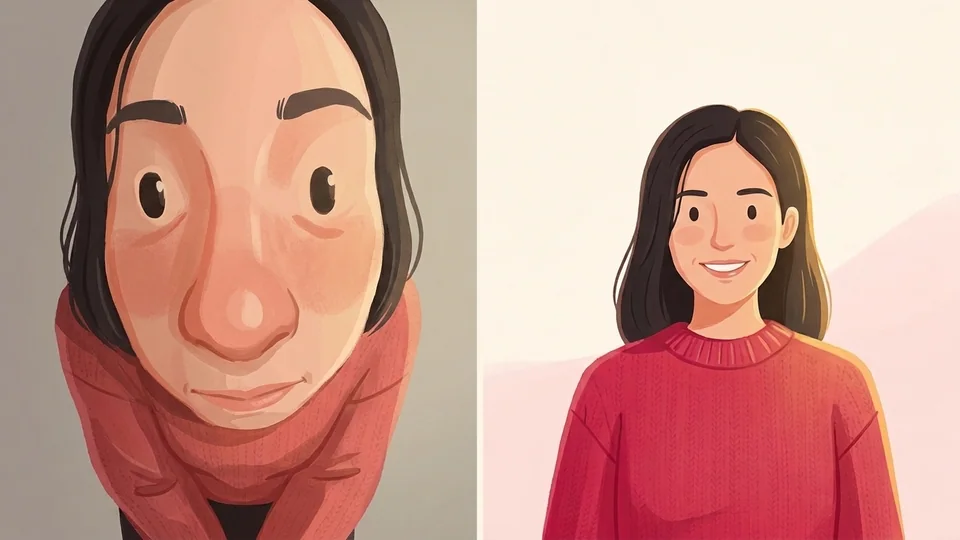
Side-by-side distance comparison: wide-angle close-up face distortion on the left versus balanced head-to-chest framing an arm's length back on the right.
Avoid
Better

Face looks stretched

That's wide-angle distortion from standing too close. Step back — at least an arm's length — and it goes away.

Go shoot your strip